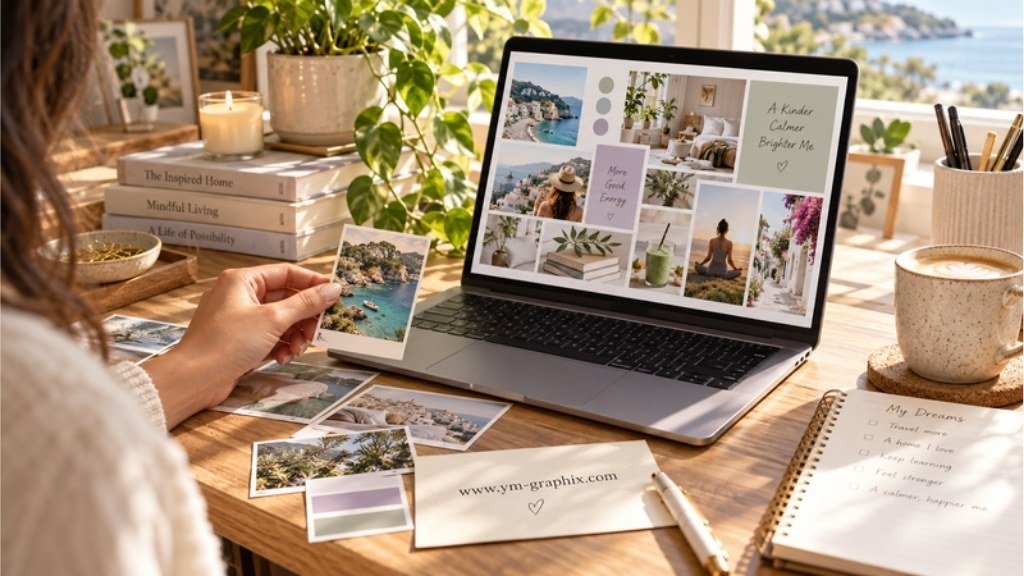
Your next chapter, arranged your way
The editable dream-board edit
A Canva vision board template is an editable layout for arranging goal pictures, words and personal reminders in Canva. Choose a single collage for a quick start, a desktop layout for daily visibility, or a planner when you also want space for actions and reflection.
Clear a little space, open your photo folder and imagine an ordinary day you would love to have. A calmer morning. A project you finally begin. A place you want to visit. A good template gives those ideas a home; your own images make it yours.
These seven Creative Fabrica picks explicitly include Canva editing or a Canva access link. This guide focuses on editable Canva formats. If you would rather print and cut paper pieces, explore our vision board printables guide.
Affiliate disclosure: this article contains Creative Fabrica affiliate links. We may earn a commission if you purchase through them, at no extra cost to you. Check the listing for current pricing, access and included files. A subscription trial is different from an independently free template.
Quick Picks: choose your starting mood
How to choose a Canva vision board template
- Choose where it will live. A landscape desktop board, a portrait printed sheet and a large poster serve different spaces. Check the actual dimensions before downloading.
- Check how you get into Canva. Look for an editable Canva link, often delivered inside a PDF. A PNG preview alone does not provide editable text and photo frames.
- Decide how much structure you want. A collage invites experimentation; a travel board gives one trip its own space; a planner adds writing and review pages.
- Check the Canva account requirements. Some designers specify Canva Free. That does not mean every premium photo or element you add later will export without payment.
For a broader selection of formats and supplies, see our vision board kits guide. For ideas about what your next year could look like, visit Vision Board 2027 aesthetic ideas.
7 Canva vision board templates to personalize
These are editorial picks based on the published descriptions and previews, rather than hands-on tests. The selection includes simple boards and two larger planning options, so you can choose the amount of structure you want.
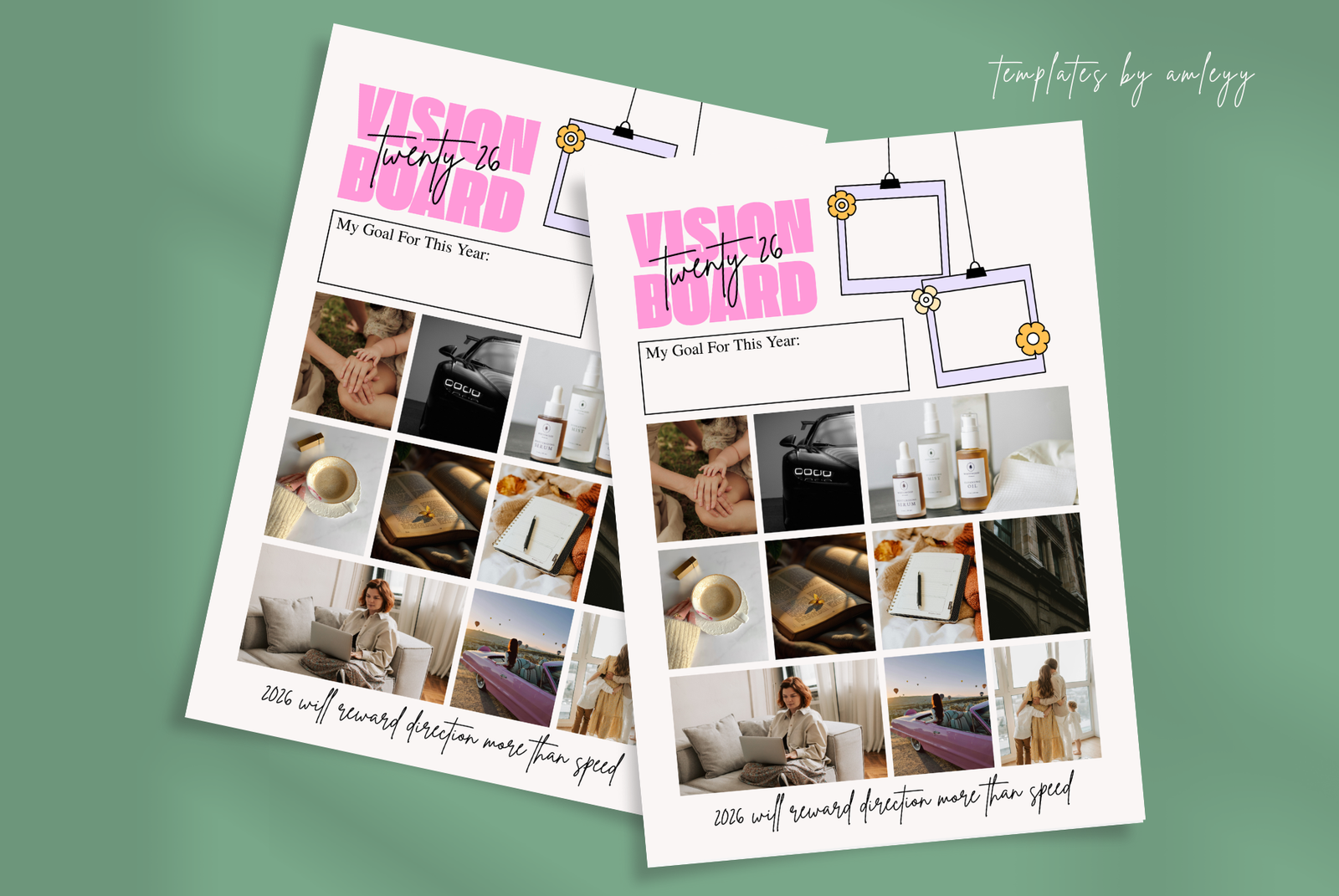
1. Aesthetic Vision Board Template Canva — Templates by amleyy
A warm, personal board starts with images that mean something to you. This editable layout gives you a composed starting point while leaving the colors, text and picture choices in your hands.
What you get: The listing includes a PNG and a PDF containing the Canva access link, with customization of colors, fonts, images and text. It is intended for both digital use and printing.
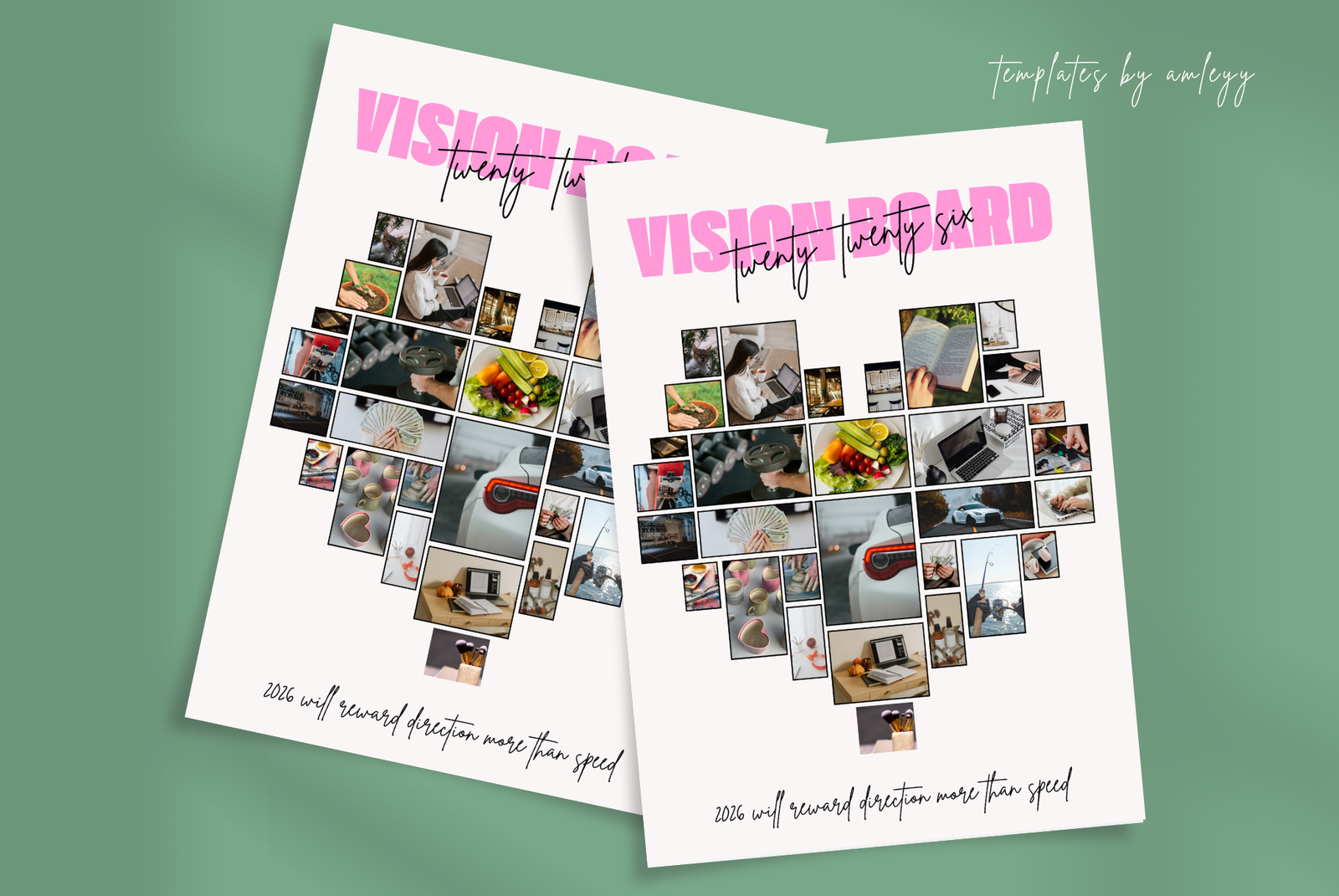
2. Cute Aesthetic Vision Board Template — Templates by amleyy
If a serious corporate-looking goal sheet makes you lose interest, choose a board that feels more like your favorite journal. This cute option brings a softer mood to the same practical exercise of choosing what matters.
What you get: The download includes a PNG and a PDF with a direct Canva access link. The designer describes an editable template for adding your own images, quotes and goals, then exporting for print or digital use.
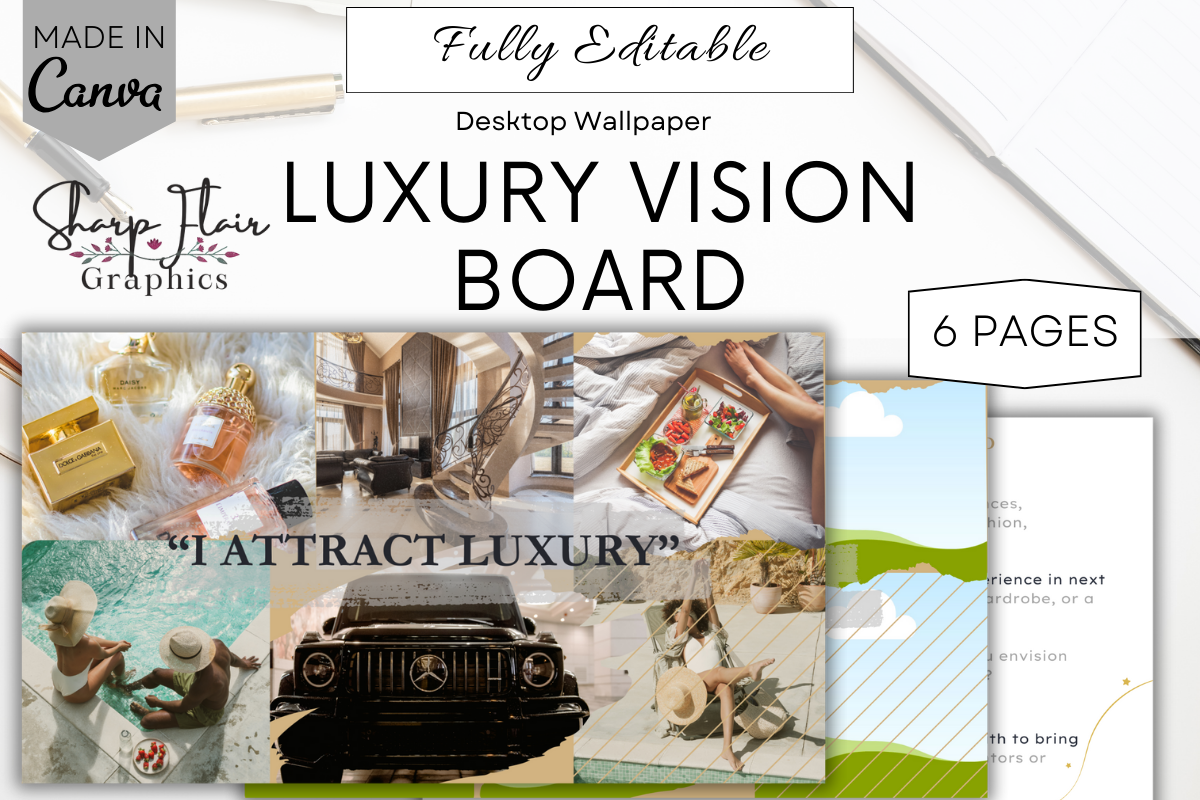
3. Luxury Vision Board | Canva Template — Sharp Flair Graphics
A wide board can become a quiet reminder every time you open your laptop. This desktop-focused option pairs a collage with reflection space, so you can think about the goals behind the images before filling the layout.
What you get: Six Canva-editable pages are included: a sample board, an editable board, two reflection question sheets and two blank reflection sheets. The listing specifies a 1920 × 1080 desktop format and editing with a free Canva account.
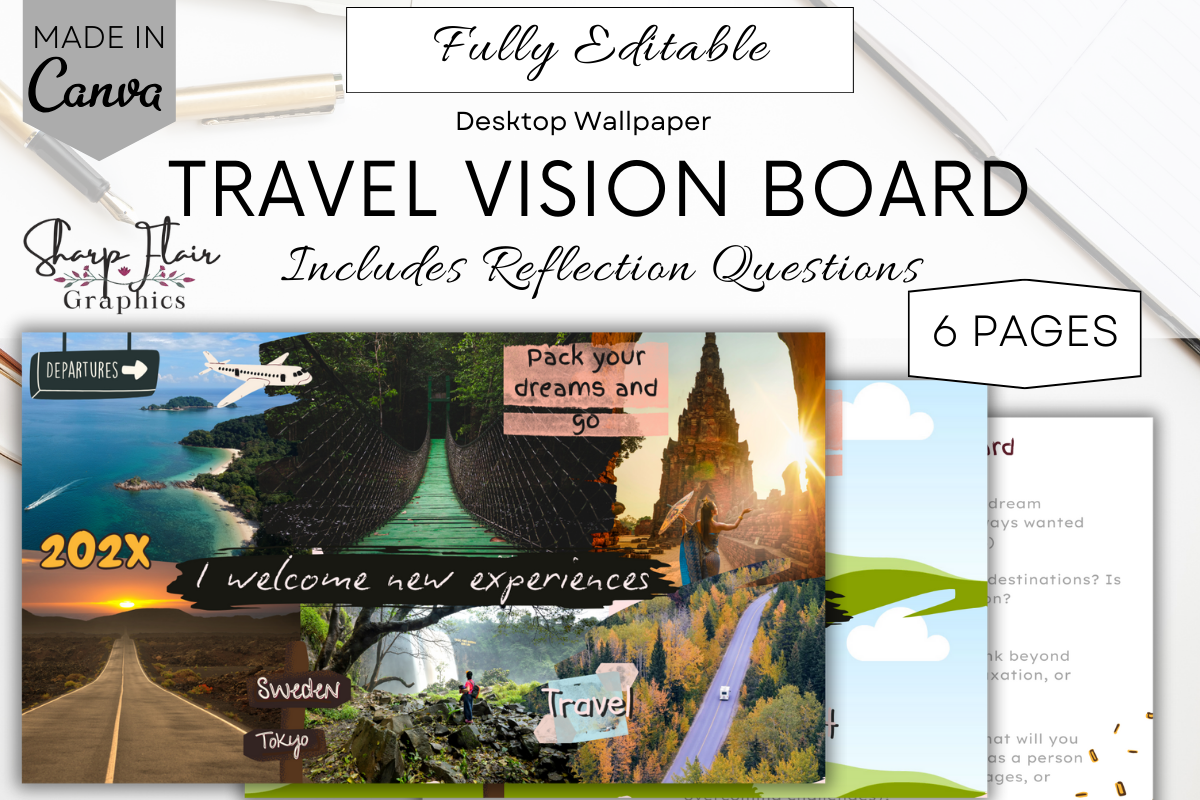
4. Minimalist Travel Vision Board | Canva — Sharp Flair Graphics
Give one trip its own board instead of squeezing every destination into a general life collage. A travel-focused layout helps you connect the places, experiences and atmosphere you want to explore.
What you get: The product includes a Canva link for six editable pages: a sample board, an editable board, two reflection question sheets and two blank reflection sheets. The listing specifies a 1920 × 1080 desktop format and Canva Free editing.
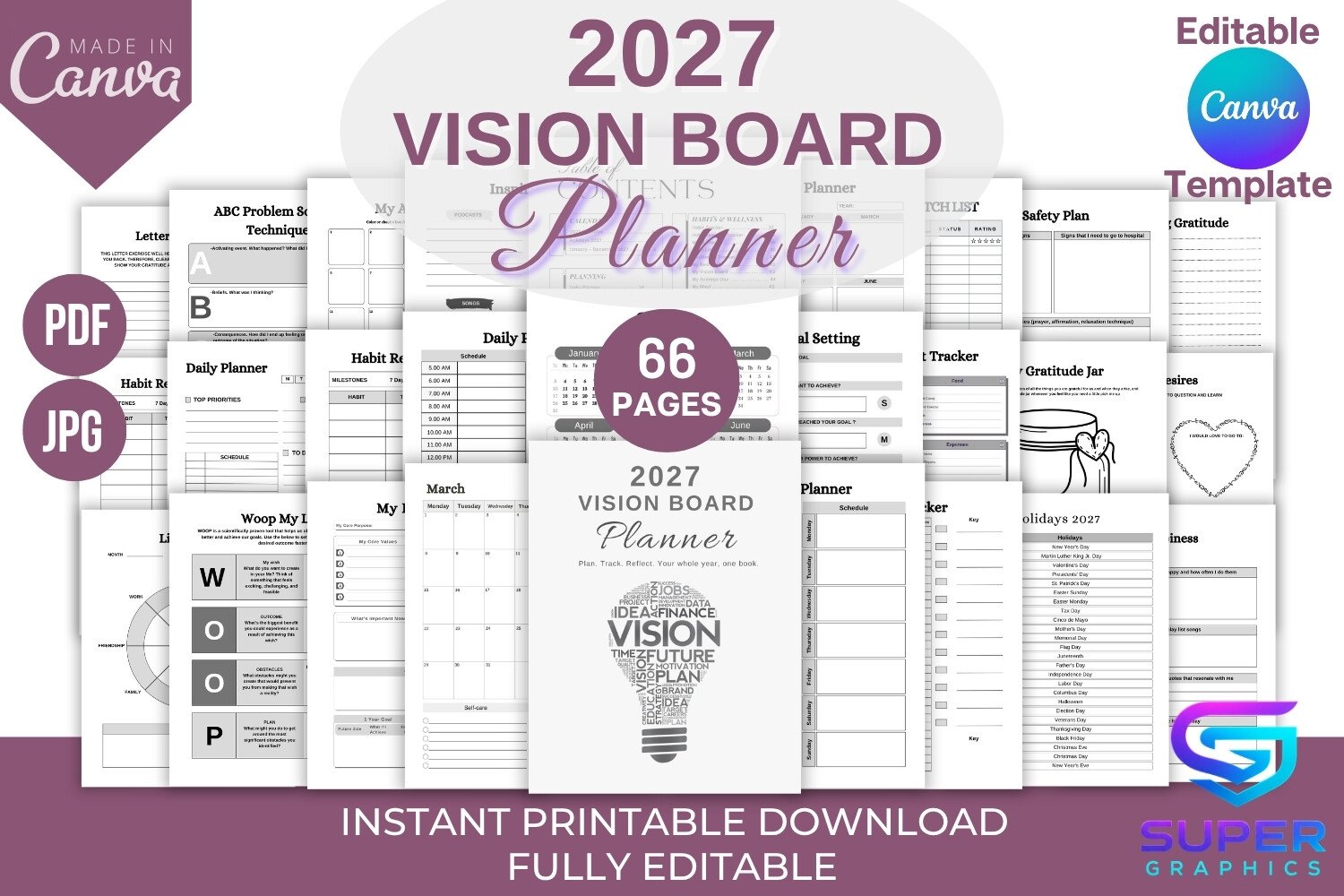
5. 2027 Vision Board Planner Canva Template — SUPER GRAPHICS
Sometimes you want more than a collage: you want somewhere to turn an idea into next week’s plan. This explicitly dated 2027 option is useful if you want the board and planning pages in one editable document.
What you get: The listing provides an editable Canva link, a multi-page print-ready PDF and JPG files in US Letter size. It includes a 2027 calendar, vision board and collage pages, goal-setting pages, planning layouts and trackers.
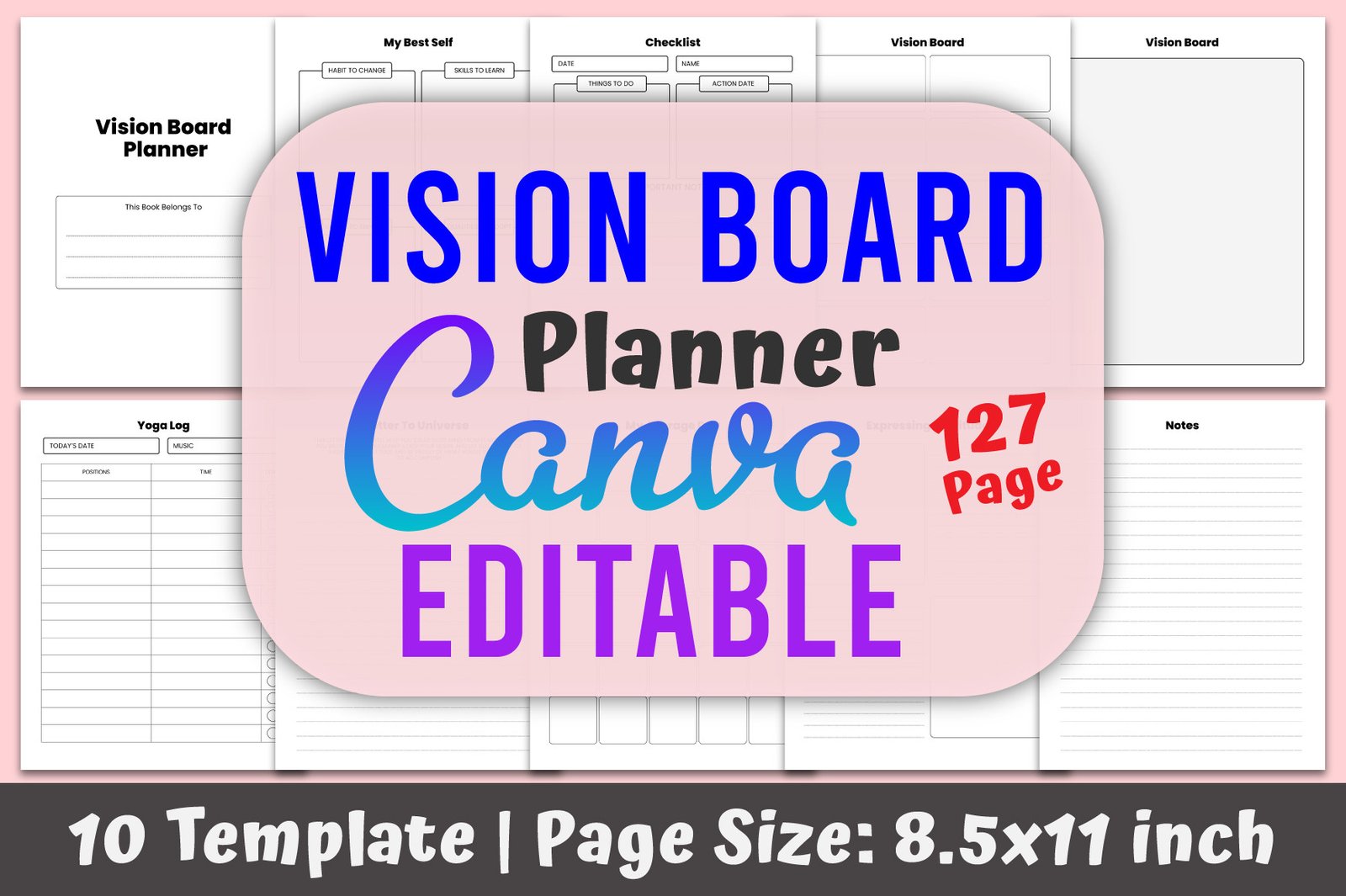
6. Vision Board Planner Canva Template — designmela01
If you prefer working through your ideas on several pages, a workbook may suit you better than a single poster. This is the larger planning option in the selection, rather than the quickest route to a small picture collage.
What you get: The designer lists 127 pages, an editable Canva link and PDF files in 8.5 × 11-inch format, and states that the template can be edited with a free Canva account.
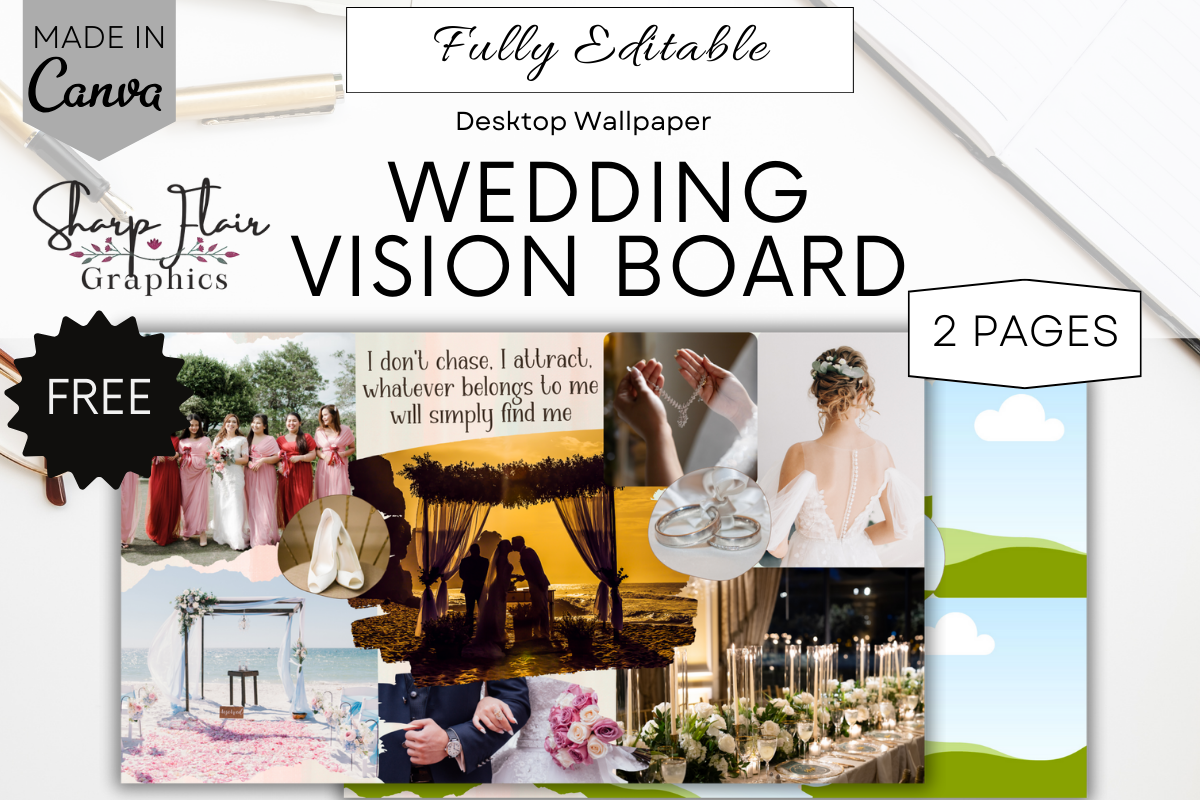
7. Editable Wedding Vision Board | Canva — Sharp Flair Graphics
A wedding board has a wonderfully specific job: bring the atmosphere of one celebration into view. Use it to connect location, colors, flowers and the feeling you want your day to have before collecting dozens of unrelated ideas.
What you get: This two-page Canva product contains an editable sample board and an editable template. The ZIP includes a PDF with the Canva link; the designer lists a 1920 × 1080 desktop wallpaper format. Preview mockups are not included.
Didn't find what you were looking for?
Use the search below to explore more options on Creative Fabrica.
How to make a vision board in Canva
- Open the supplied Canva link. Download and unzip the product if needed, then read its PDF instructions. Use the template in your account; if the designer supplies an editable document link, make your own copy before changing it.
- Choose three to five priorities. Write them in plain language before searching for photos. Give each picture a reason to be on the board.
- Add your own images. Upload personal photos or choose images you have permission to use. Replace the example pictures and adjust the crops.
- Make the design feel connected. Repeat a small palette, keep headings short and leave some open space. You do not have to fill every corner.
- Include one next step. Beside “learn photography,” add “practice for 20 minutes on Sunday.” Connect the board to something you can actually do.
- Download and check. In Canva, use Share → Download and select the file type and pages. Review the exported file before printing or setting it as wallpaper.
Canva’s official download guide explains the available controls and premium-element prompts. For a paper board, choose a suitable PDF option; for a screen, choose an image export that suits your device.
Give your collage an aesthetic that still feels like you
Warm and quiet: cream backgrounds, natural textures, a few photographs and one clear heading. Let the images carry the feeling.
Soft and playful: gentle colors, short reminders and pictures of everyday things you want more of. Keep decorative details smaller than your main photographs.
Clean and focused: one theme per section, consistent crops and generous spacing. This works especially well when you want your board beside a work or study setup.
Travel-focused: collect a destination, an experience and a mood. Add a small practical note about what you want to research or arrange next.
You can keep a board for a season, a project or the year ahead. It is a visual reminder of your intentions; progress still comes from the actions you take.
Canva Free, paid templates and export choices
A purchased template and a Canva subscription are separate things. Several listings here explicitly mention Canva Free, while others confirm editing without stating the plan required. Read the current product instructions before choosing.
If you add Canva premium elements, the export may require payment or a plan that includes them. Canva’s help page on downloading designs explains those prompts.
Looking specifically for a free Canva vision board template? Check whether the offer is a genuinely free download or access through a trial. This selection is a guide to editable products, not a promise that every item is independently free.
For desktop wallpaper, check the template’s aspect ratio against your screen. For printing, check the page size, photo sharpness and printer margins. A phone background may need a different layout so important words stay clear of the clock and icons.
FAQ: Canva vision board templates
What is the best Canva vision board template for beginners?
A single editable collage is a practical starting point if you want a quick visual board. The aesthetic and cute options above offer simple ways to add your own pictures. Choose a travel board if you want to focus on one trip, or a planner if you want writing pages as well.
Can I use a Canva vision board template with a free account?
Some designers explicitly say yes, including the luxury, travel and designmela01 options. Check the instructions for your chosen product and any premium elements you add before exporting.
Can I print a Canva vision board?
Yes, when the template dimensions and image quality suit your chosen paper size. Download the board as an appropriate PDF, review it and check your printer settings. Canva also describes printing with your own printer.
Is a PDF download the editable Canva template?
Often the PDF is an access document containing the Canva link. The editable design opens in Canva; the PDF itself may not contain editable photo frames or text fields.
Can I use a vision board as desktop wallpaper?
Yes. The luxury and wedding listings specify a 1920 × 1080 desktop format. For other products, check the dimensions and export a version that fits your display.
Should my vision board include a year?
Only if that helps you use it. An undated board can serve a project or season; a dated 2027 planner is useful when you want your collage connected to that year’s calendar and goals.
Editor’s Pick: start small, make it personal
For a straightforward editable collage, start with the Aesthetic Vision Board Template Canva. Choose the luxury desktop option if you want reflection pages, or the travel template if you want to give one trip its own space.
Your board does not need to look like someone else’s dream life. Choose a layout you enjoy opening, add pictures with personal meaning and give yourself one small next step.
Save or share this guide with a friend who would enjoy a creative goal-setting afternoon.