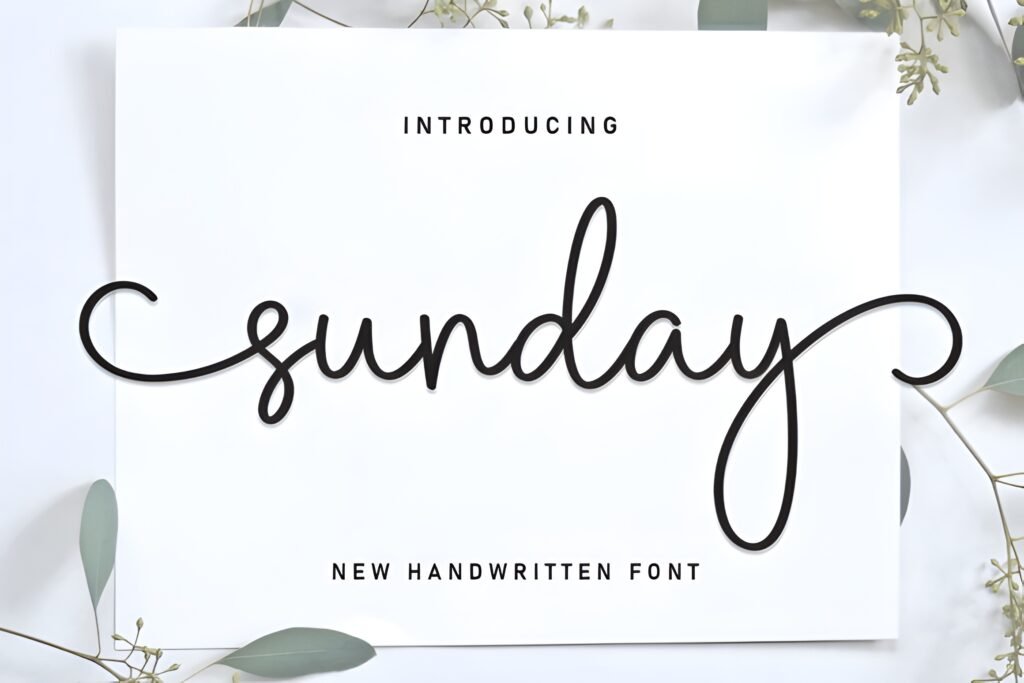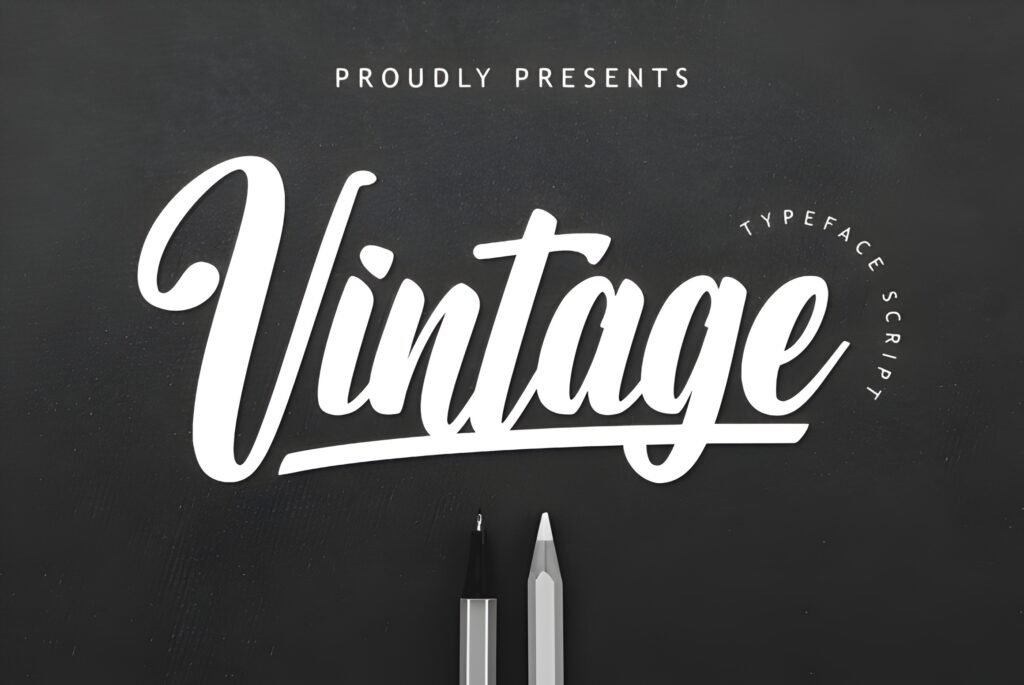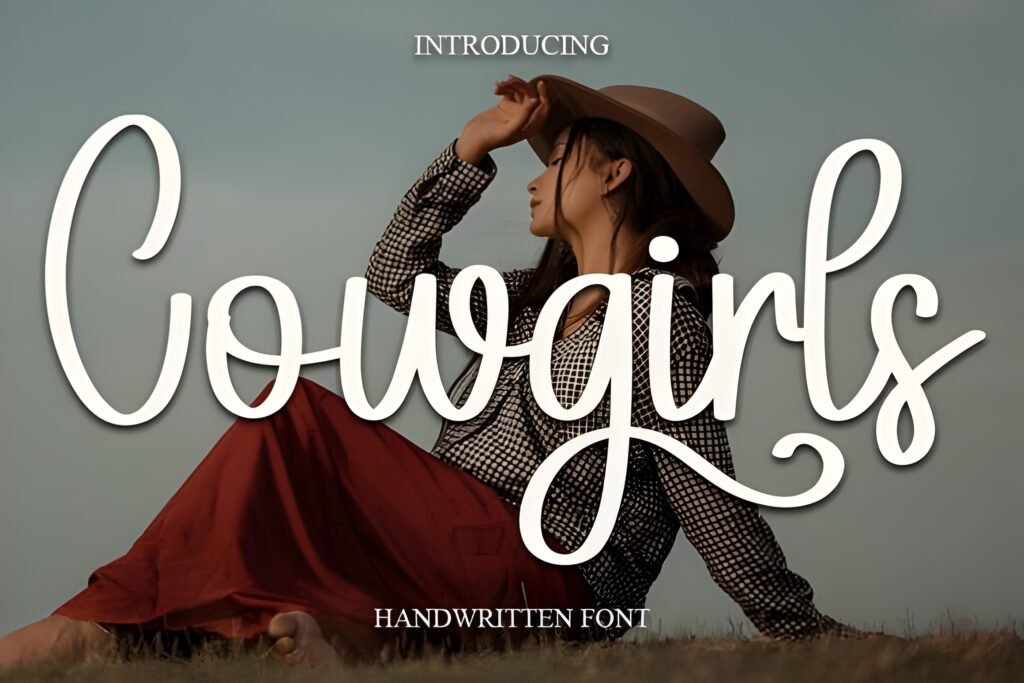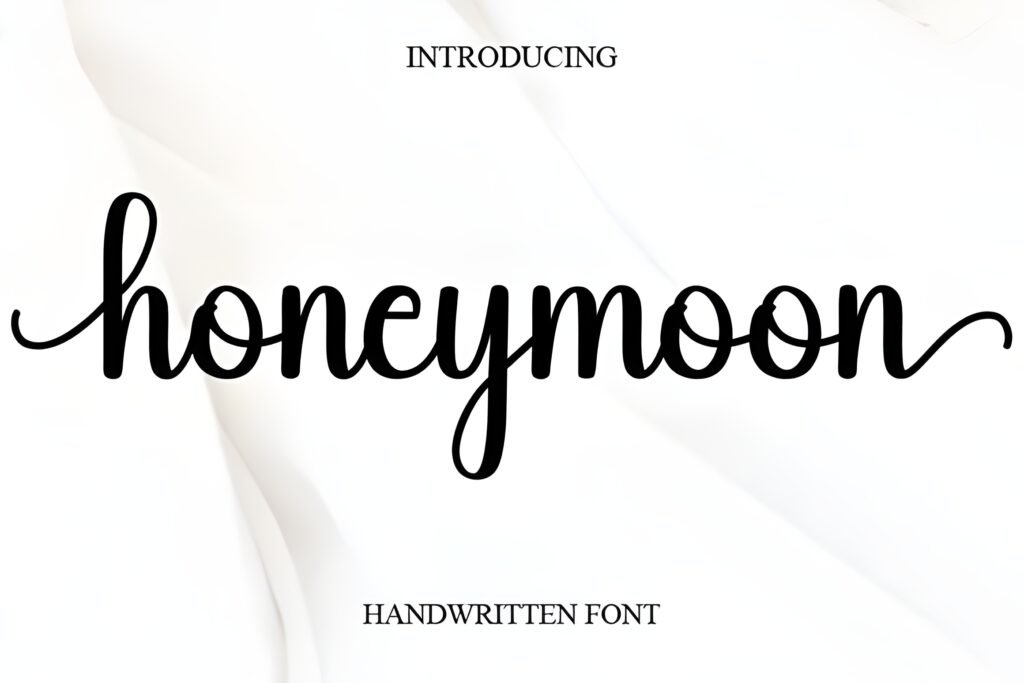
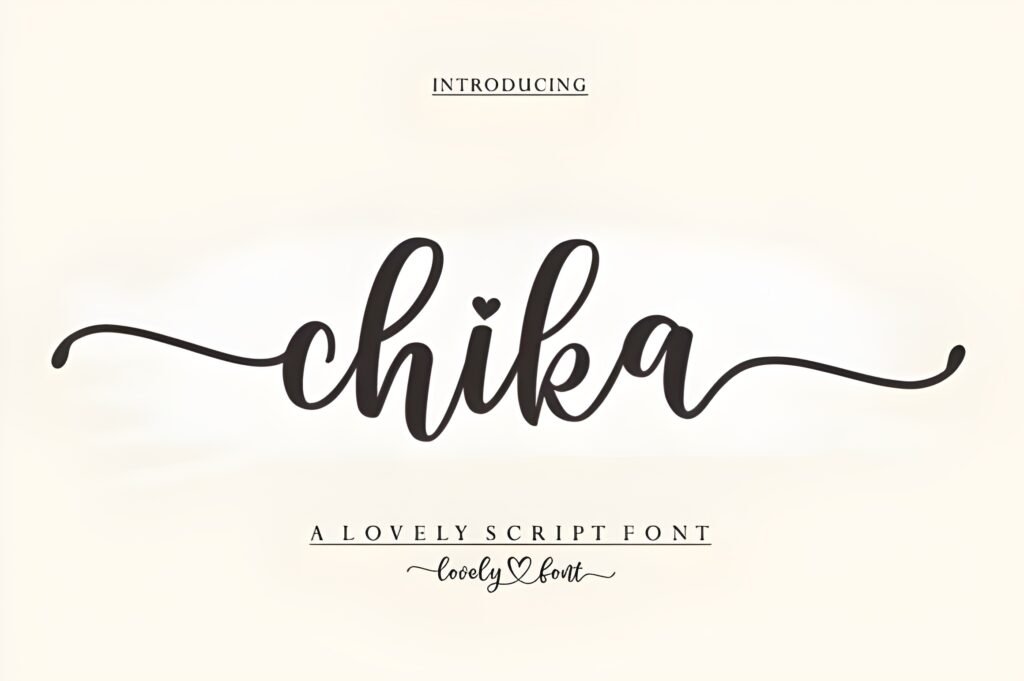
Chika is a handwritten cursive font characterized by flowing, gentle curves that evoke the feel of a soft signature. Its rhythm and movement suggest a design that balances charm with subtle confidence, making it suitable for projects where a personal, handwritten touch is desired.
Disclosure: This post contains an affiliate link. We may earn a commission at no extra cost to you.
What Makes Chika Font Distinctive?
This font features smooth, connected cursive lines that create a natural flow across text. It is PUA encoded, which means it includes additional swashes and glyphs accessible through compatible software, allowing for enhanced decorative options. The overall style leans toward a delicate, graceful script without appearing overly formal or distant.
Best Uses for Chika Font
Chika is well suited for romantic or intimate design contexts such as wedding invitations and greeting cards, where a handwritten, heartfelt aesthetic is beneficial. It can also serve branding projects that require a stylish yet approachable script, including fashion lookbooks or boutique logos. Its cursive nature suggests use in display sizes rather than dense body text.
How to Pair Chika Font
For effective typography combinations, pair Chika as the headline font with a clean, simple sans serif for subheadings and body text to maintain readability and contrast. For example, use Chika for headlines or names, a sans serif like Montserrat or Open Sans for subheads, and a neutral serif such as Georgia for body copy. This hierarchy supports visual interest while keeping text clear.
Practical Design Tips
Use generous whitespace around Chika’s script to allow its curves room to breathe and avoid visual clutter. Scale the font larger for invitations or logos to emphasize its flowing details. When applying swashes or alternate glyphs, limit their use to key words or initials to prevent overwhelming the design. Avoid pairing with other cursive fonts to maintain clarity.
Frequently Asked Questions
Can Chika be used for body text in long documents?
Given its cursive style and flowing lines, Chika is best reserved for headlines or short phrases rather than extended body text, where readability could be compromised.
What software is needed to access Chika’s swashes and alternate glyphs?
PUA encoding means swashes and glyphs can be accessed in design programs that support private use area characters, such as Adobe Illustrator or Photoshop, though specific software compatibility is not detailed.
Is Chika appropriate for formal corporate branding?
Chika’s gentle cursive conveys warmth and approachability rather than strict formality, so it may suit boutique or creative brands better than traditional corporate identities.