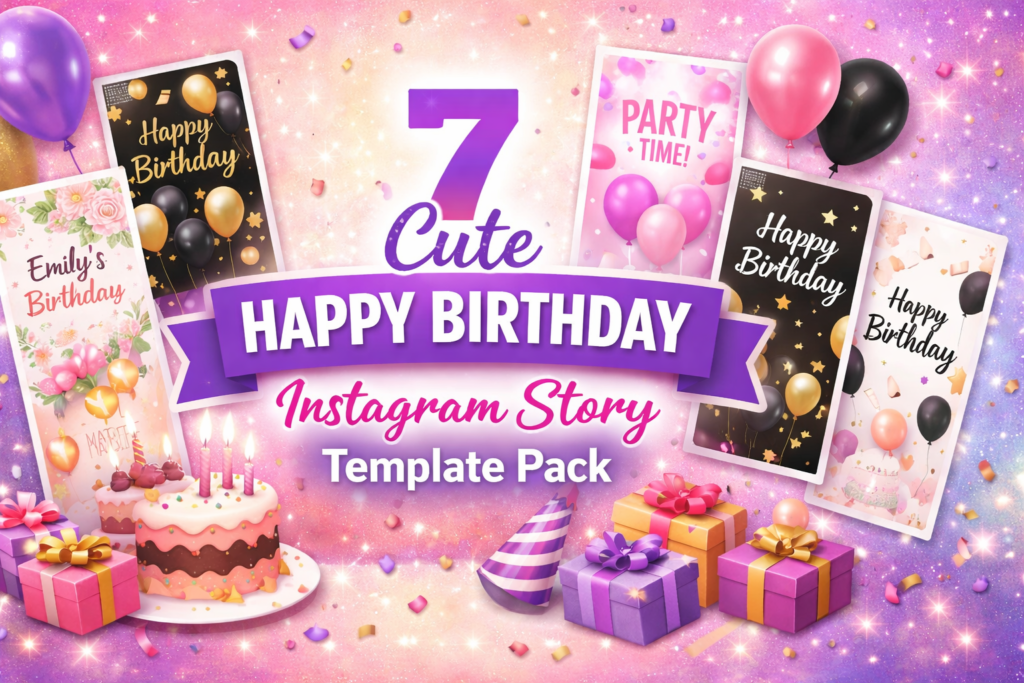
If you’ve ever opened Instagram, realized it’s someone’s birthday, and thought: “I have 3 minutes… what do I post?” — you’re in the right place.
I went through these Creative Fabrica listings like a picky editor. My goal: find a happy birthday instagram story template that looks polished, reads well on mobile, and still feels personal once you drop in a photo and a short message.
Below you’ll get a quick comparison table, my selection method, and 7 card-style reviews (with practical use-cases + direct download buttons).
Affiliate Disclosure
Some links on this page are sponsored affiliate links. If you click and download, I may earn a commission at no extra cost to you. I only include templates I’d personally use or recommend for real Instagram posting workflows.
Jump to
- Quick comparison table
- My method: how I choose templates
- 1) Instagram Story Canva Template Bundle
- 2) Free Canva Happy Birthday IG Template
- 3) Happy Birthday Instagram Story Template
- 4) Aesthetic Birthday Instagram Story
- 5) Party Organizer – Instagram Templates
- 6) Floral Birthday Instagram Template
- 7) Instagram Story – Collect Birthday
- Extra picks: aesthetic + black + free download tips
- FAQ
- Open list: all templates
Quick comparison table
I kept this table focused on what actually matters when you’re posting under time pressure: format, how much you get, and social proof (only when it’s visible on the listing).
My method: how I choose birthday story templates
When I review a happy birthday instagram story template, I’m not trying to judge “art.” I’m judging how fast you can post without sacrificing vibe.
- Mobile readability: Big headline space, clean hierarchy, and room for one strong photo.
- Editing friction: Canva-friendly sets get bonus points. EPS/PSD sets are great if you’re comfortable in Adobe.
- Right sizing: True story size (1080×1920) matters for full-screen impact. Square (1080×1080) can still work if you design with safe margins.
- Consistency across a mini-series: A birthday story is often 3–6 frames (intro, photo, wish, memory, tag, closing).
- Proof signals: If I can see ratings, reviews, or “added to favorites,” I factor that in (but I never invent numbers).
For an aesthetic happy birthday instagram story template, I also look for calm spacing, neutral palettes, and minimal clutter—because “aesthetic” is usually more about restraint than decoration.
The 7 template packs (my card-style reviews)
1) Instagram Story Canva Template Bundle
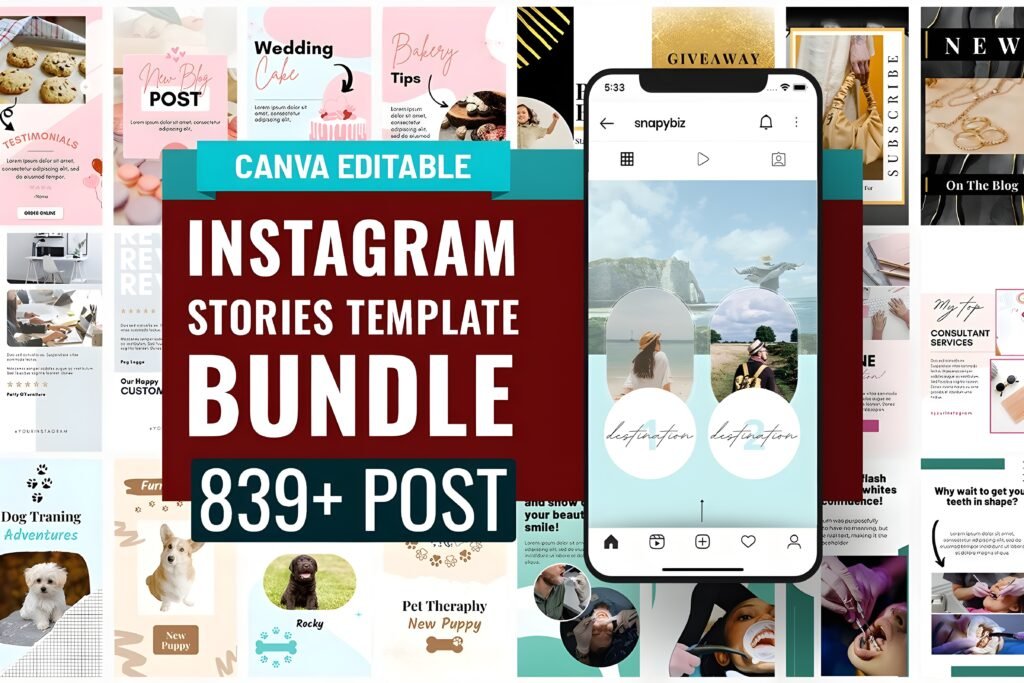
Chips: Vibe: versatile & business-ready | Best for: “I want options for every mood” | Readability: clean, scalable layouts
If you want the most “grab-and-go” value, this is the one I’d keep bookmarked. The listing calls out a massive bundle—839+ story templates—and it’s built to cover multiple niches (not just birthdays). That matters because you can reuse it all year, not only on one date.
What made me include it in a birthday-focused roundup: the bundle explicitly lists an Aesthetic Birthday set and also a Black & Gold Canva story set. So if you’re hunting an aesthetic happy birthday instagram story template black look, you can start from those darker, more premium-feeling frames and customize with a photo + short wish.
I also like that the reviews (visible on the page) are short but strongly positive—exactly the kind of “this works” signal I trust when I’m recommending a pack to busy creators.
- Post/Carousel use-case: Turn 3 square frames into a mini birthday carousel: cover (“Happy Birthday”), memory photo, then a final slide with a short note + tag.
- Story/Reels use-case: Use 4 story frames: intro, photo, “wish list” (3 bullets), then a black & gold closing slide with a clean “have the best day.”
Save/share trigger: If you’re the friend who always posts late, save this card now—future you will be grateful.
Visible rating: 5.0 (2 reviews) + bundle highlights include 839+ story templates.
2) Free Canva Happy Birthday IG Template
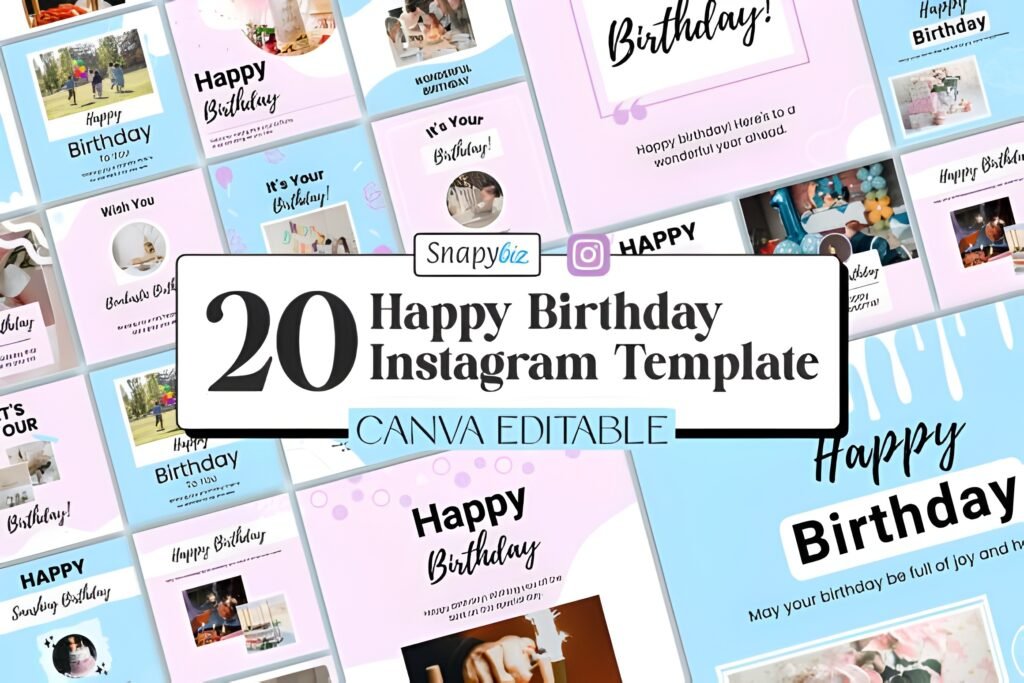
Chips: Vibe: quick & cheerful | Best for: free + fast edits | Readability: high (simple layouts)
This is my favorite “no excuses” option—especially if you searched for an aesthetic happy birthday instagram story template free download and you want something you can edit immediately.
The listing text says you get 20 free Happy Birthday Instagram templates, and it mentions both story and post formats. That’s the sweet spot: enough variety to avoid repeating the same layout, without overwhelming you with hundreds of files.
My practical tip: pick 2–3 templates and keep the same font + color across them. The fastest way to make “free” look premium is consistency. Replace the headline with a short wish (5–8 words), then let the photo carry the emotion.
- Post/Carousel use-case: Use 3–5 post designs as a carousel: “Today’s the day” → photo → a one-line compliment → closing slide with @tag.
- Story/Reels use-case: Make a 3-frame story: template 1 as cover, template 2 for the photo, template 3 for a “favorite memory” text block.
Save/share trigger: Send this to the friend who always says “I’m not a designer” — it’s literally built for them.
Listing mentions 20 free templates + shows 28 added-to-favorites saves.
3) Happy Birthday Instagram Story Template
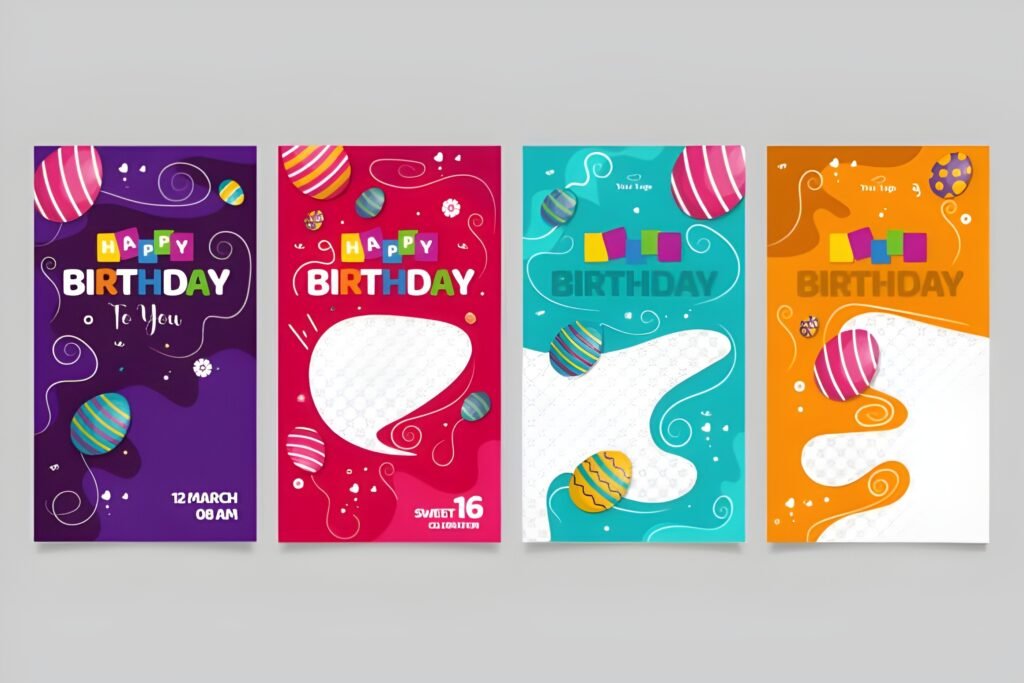
Chips: Vibe: bold + simple | Best for: designers who like EPS | Readability: strong (true vertical size)
If you want a straightforward happy birthday instagram story template that’s already sized for stories, this one is clearly positioned as a vertical design: the listing states 1080×1920 and calls out Illustrator EPS 10.
This is the kind of template I use when I want maximum control over typography and spacing. It’s also honest about what you’re getting: the listing notes that images are not included. That’s not a downside— it’s a reminder to bring your own photo (which is what makes the story personal anyway).
My “make it look expensive” move here: keep the message short. Think: “Happy birthday, legend.” or “To my favorite human.” Then add one photo with good contrast.
- Post/Carousel use-case: Export a square crop version for a carousel cover, then add the full vertical as the second slide (so it works both places).
- Story/Reels use-case: Use it as your opening story frame, then follow with a raw selfie video (Reels vibe) where you speak the birthday wish.
Save/share trigger: Save this if you prefer clean layouts and want to drop in your own photo without fighting messy graphics.
Listing specifies EPS 10 + 1080×1920; shows 1 added-to-favorites save.
4) Aesthetic Birthday Instagram Story
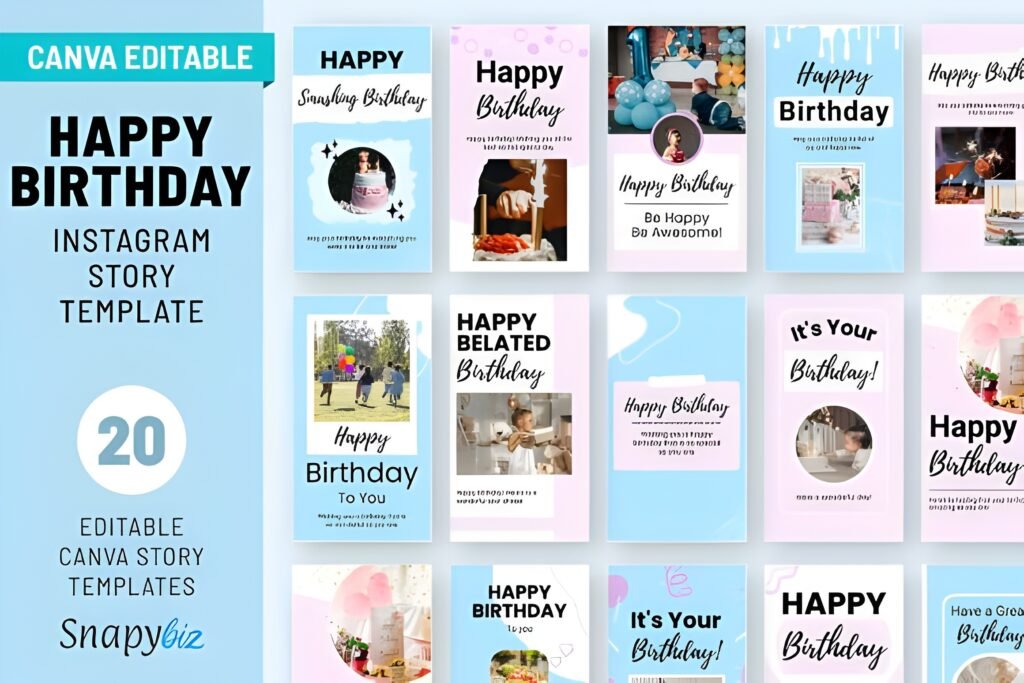
Chips: Vibe: aesthetic + celebration | Best for: cohesive story sets | Readability: good (template series)
This is the pack I’d pick when the goal is “pretty, minimal, and shareable.” The listing states you receive 20 editable Instagram story templates, which is more than enough to build a full birthday sequence without repeating frames.
What I like most is the intent: it’s positioned around “birthday story ideas,” “background,” and “wishes.” In other words, it’s not just one pretty frame—it’s meant to help you keep the story moving.
To turn this into your personal signature: pick one accent color (a soft beige, a dusty pink, or a muted lilac) and apply it across all frames. That’s how an aesthetic happy birthday instagram story template stops looking like “a template” and starts looking like “your style.”
- Post/Carousel use-case: Export 3 frames as a carousel: “Happy birthday” cover → photo → closing quote or wish.
- Story/Reels use-case: Use 5 frames as a story: cover → photo → “3 things I love about you” → memory → closing tag slide.
Save/share trigger: If you’re building an “aesthetic” highlight reel, save this pack so your birthday posts stay consistent year after year.
Listing notes 20 editable story templates; shows 11 added-to-favorites saves.
5) Party Organizer – Instagram Templates
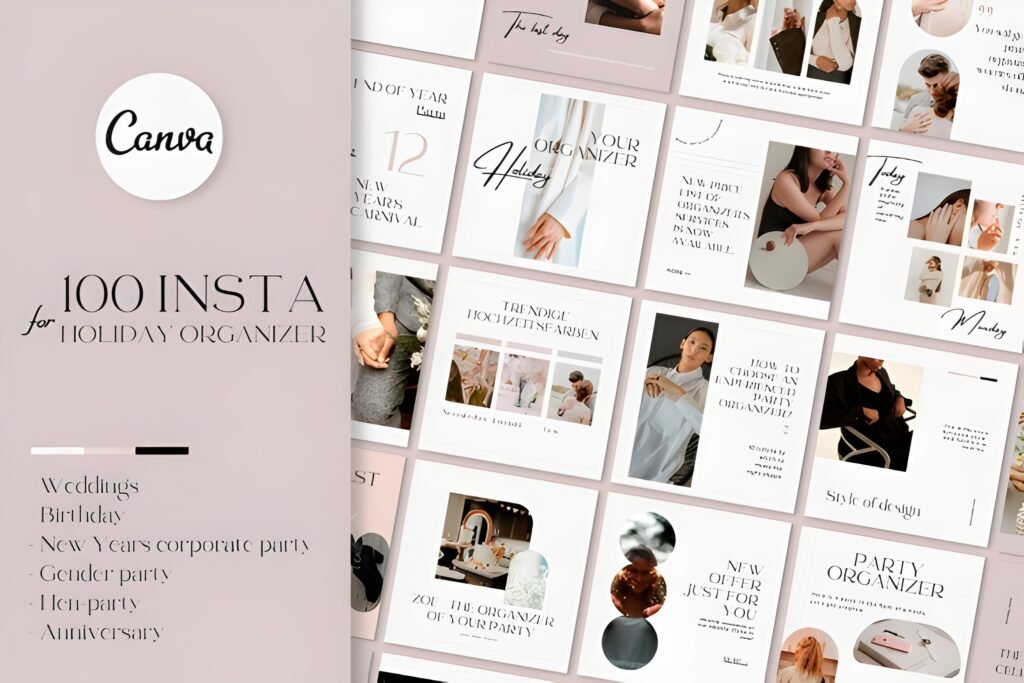
Chips: Vibe: organized + modern | Best for: event promos + birthday week | Readability: high (clear formats + sizes)
This one is a powerhouse if you’re posting more than a single “happy birthday!” story. The listing spells out the deliverables clearly: 100 Canva templates total split into 50 square posts (1080×1080) and 50 stories (1080×1920), plus a PDF with editing instructions and the template link.
That’s exactly what I want for a party workflow: teaser post, story countdown, schedule, RSVP reminder, location, dress code, thank-you post. You can turn this into a “birthday week” content plan without designing from scratch.
And because it’s Canva-based, it’s friendly even if you’re not technical. Swap fonts, adjust colors, drop in your own photos, done.
Bonus: this listing shows a visible rating and a couple of short reviews—small sample, but it’s still a reassuring signal when you’re deciding fast.
- Post/Carousel use-case: Build an event carousel: “Save the date” → details → location/time → RSVP slide → closing slide with a cute line.
- Story/Reels use-case: Use the story set for a 24-hour countdown sequence: teaser → countdown sticker → “what to wear” → “see you tonight.”
Save/share trigger: If you’re planning any event (not just birthdays), save this—future events get 10x easier.
Visible proof: rating 5.0 (2 reviews) + 94 favorites; listing details 100 Canva templates (50 posts/50 stories).
6) Floral Birthday Instagram Template
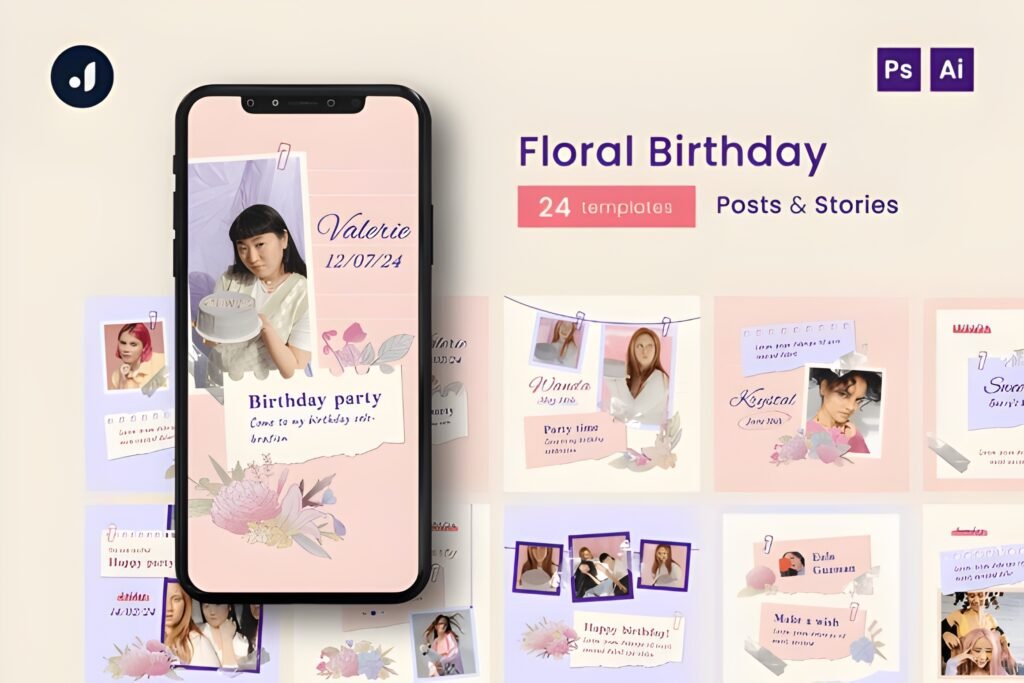
Chips: Vibe: floral + soft | Best for: fashion/lifestyle birthday visuals | Readability: good (structured sets)
If your vibe is “sweet, floral, and polished,” this pack is very straightforward about what you receive: 12 post templates and 12 story templates in the common Instagram sizes (1080×1080 and 1080×1920).
It also states compatibility with Adobe Photoshop and Adobe Illustrator. So this is ideal if you’re already inside the Adobe workflow and want a cohesive birthday look without rebuilding layouts. I’d use it for creators, boutiques, lifestyle pages, or anyone who wants birthday content that feels “designed,” not chaotic.
My editing tip: treat florals as the frame, not the main character. Keep your text minimal, and let the photo do the emotional work. If you want it more modern, reduce the text to one line and increase white space.
- Post/Carousel use-case: Make a floral carousel: cover + photo + wish + closing slide with a short quote.
- Story/Reels use-case: Use the story templates as overlays on top of short video clips (cake, candles, hug moment) for a gentle “birthday montage” feel.
Save/share trigger: Save this if you want a birthday aesthetic that’s soft and editorial (not loud and sticker-heavy).
Listing shows 12 posts + 12 stories (1080×1080 & 1080×1920) and 7 favorites.
7) Instagram Story – Collect Birthday
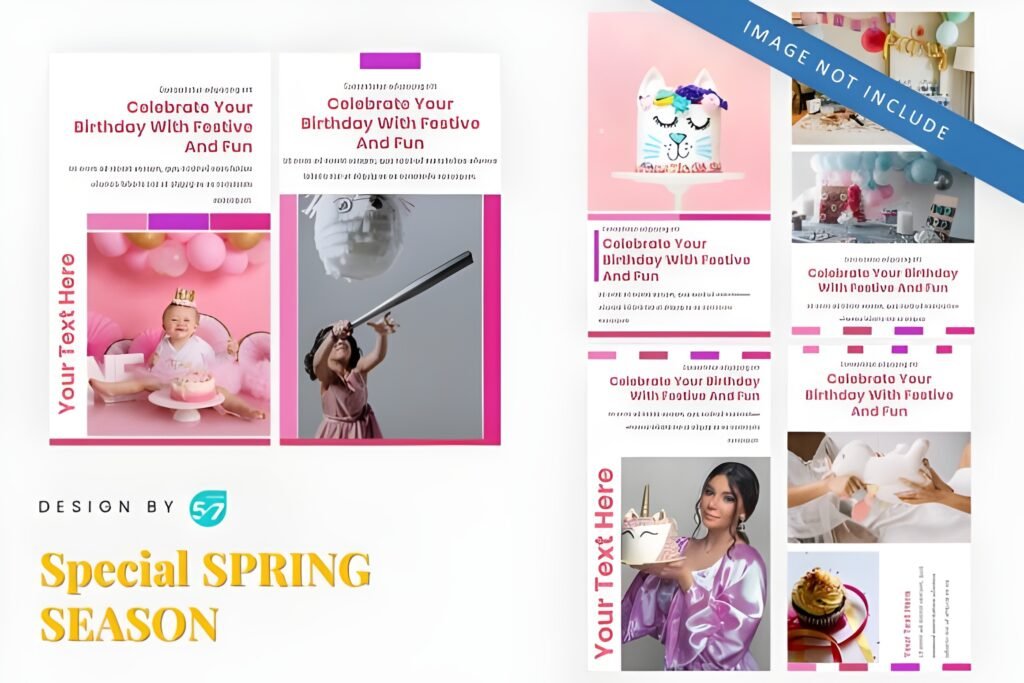
Chips: Vibe: minimal + flexible | Best for: PowerPoint edits | Readability: depends on your font choices
This one is interesting because it’s positioned as an Instagram template and the listing details show it’s provided as a PowerPoint (.PPTX) file with 6 slides. If you like editing in PowerPoint (or you’re building quick visuals for clients), that’s a genuinely convenient workflow.
One note: the listing also shows a 1080×1080 size. That’s commonly a post size, but you can still use it for Stories if you keep key elements centered (Instagram will show it with margins) or if you rebuild to 1080×1920 before exporting. In real life, I use square “quote” frames in stories all the time—especially when I want a clean, modern look.
The listing mentions it can be used for a variety of purposes beyond birthdays (like greeting, fashion, photography, food & beverage), which tells me the layout style is meant to be reusable rather than one-time gimmicky.
- Post/Carousel use-case: Use the 6 slides as a full birthday carousel: cover → photo → memory → wish → inside joke → closing.
- Story/Reels use-case: Use one square slide as a centered story frame, then add a short Reel clip behind it (video in IG, template as the “title card”).
Save/share trigger: Save this if you already live in PowerPoint and want birthday content without switching tools.
⬇ Download Collect Birthday Templates
Listing notes 6 slides, PPTX, 1080×1080, and 1 favorite save.
Didn't find what you were looking for?
Use the search below to explore more options on Creative Fabrica.
Extra picks: aesthetic, black, and “free download” finishing touches
How I build an “aesthetic happy birthday” story in 5 minutes
- Pick a 3-frame structure: cover → photo → closing wish.
- Use one font pairing: 1 headline + 1 body font, max.
- Keep the message short: 5–10 words per frame.
- Anchor with one photo: avoid multiple tiny images (they die on mobile).
- Repeat one accent: a small shape, underline, or icon in the same color across frames.
If you want an instantly cohesive set, the packs that explicitly mention 20 templates give you enough options to stay consistent without overthinking.
Aesthetic black edition (without looking gloomy)
When people search aesthetic happy birthday instagram story template black, they usually want “sleek + premium,” not “dark + sad.”
- Use black as background, gold/white as text. Keep contrast strong.
- Pick one metallic accent (gold line, star, confetti) and repeat it.
- Use a bright photo (good lighting) so the story still feels celebratory.
The Canva bundle above explicitly lists a “Black & Gold” set, which is exactly the shortcut I’d use when you need that luxe birthday look fast.
If you want “free download” templates, here’s my rule
Go free, but don’t go generic. Use the free pack as your base, then personalize with:
- a personal photo (not a stock image),
- one specific memory (“still laughing about last summer”),
- and a clean tag slide at the end.
That’s how a free template turns into something that feels custom.
Conclusion
If you want one “best overall” pick: I’d start with the Instagram Story Canva Template Bundle because it’s the fastest way to cover every vibe (including aesthetic and black & gold options) while staying reusable beyond birthdays.
If you want the quickest free option: the Free Canva Happy Birthday IG Template is a clean starting point with multiple templates, and it’s designed for quick edits.
And if you’re a designer who wants control: grab the EPS or Adobe-compatible packs and keep the layouts minimal—your photo and your message should stay the hero.
FAQ
Which happy birthday instagram story template is the fastest to customize?
If speed is everything, pick Canva-based packs (especially the free Canva birthday option or the bigger Canva bundles). You can swap text, colors, and photos without touching advanced design tools.
What size should an Instagram Story birthday template be?
For full-screen stories, 1080×1920 is the standard. Some packs also include square (1080×1080) which can still work in Stories if you keep the important text centered.
How do I make an aesthetic happy birthday instagram story template look more “me”?
Use one accent color, one font pairing, and your own photo. Then keep your message short (one sentence). Consistency does more for “aesthetic” than extra decorations.
How do I do the “aesthetic black” birthday story style without it feeling dark?
Use black as a clean base, then add a gold/white accent and a bright photo. Keep text minimal. The goal is sleek and celebratory, not heavy.
Is there an aesthetic happy birthday instagram story template free download option here?
Yes—there’s a dedicated free Canva birthday template listing. For the most “aesthetic” result, edit it with a consistent palette and a personal photo, and keep copy short.
What if I want a whole “birthday week” content plan, not just one story?
Choose a larger pack with both post and story formats (like the organizer-style sets). That way you can do teaser posts, countdown stories, event reminders, and a thank-you post without switching design systems.
Open list (all templates)